Selling digital products sounds simple until the files start spreading somewhere they should not.
At first, most creators barely think about protection. The focus stays on launching the product, building an audience, improving sales pages, answering customers, and fixing checkout issues. Then one day, somebody sends a screenshot from a Telegram channel, a random marketplace, or a Google Drive folder where the files suddenly appear for free.
That is usually the moment people start looking at protection tools differently. And honestly, the situation became much more complicated over the last few years. Digital products move incredibly fast now. A PDF guide, online course, template pack, workbook, or design asset can get reposted within hours after release. Sometimes faster.
No tool can completely stop piracy forever. People promising that are usually selling fantasy. What good protection tools actually do is reduce damage. They make files harder to redistribute casually, easier to trace, and less attractive to leak in the first place.
The platforms below stand out because they approach digital protection from different angles instead of relying on one method alone.
Digital product protection is no longer only about DRM
A lot of creators still imagine protection as a strict lock-and-key software. Reality looks different now.
Modern digital protection usually combines several layers:
- Watermarking
- DRM restrictions
- Access control
- User tracking
- Secure delivery
- Download monitoring
- Buyer identification
That layered approach became more common because piracy itself changed. Simple password protection is rarely enough anymore. At the same time, aggressive DRM can easily frustrate legitimate customers.
The balance matters.
Some creators need lightweight protection that stays user-friendly. Others sell expensive educational products, premium reports, or licensed assets where stronger controls make more sense.
Why creators stopped relying on single-layer protection
A few years ago, many sellers treated piracy prevention like a one-tool problem. Add a password. Disable copying. Done.
That mindset changed because leaks became faster and easier to distribute. At the same time, creators realized overly aggressive protection could hurt legitimate customers more than pirates.
That balance became one of the biggest conversations around digital products recently. Too little protection creates obvious risks. Too much protection creates frustrated buyers.
The strongest setups now usually combine several lighter layers instead of relying entirely on one restrictive system.
1. Digify
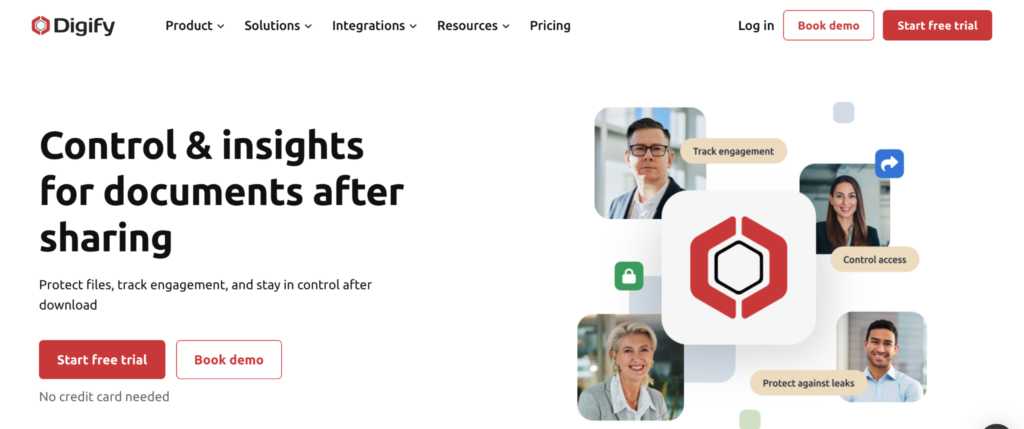
Digify leans much more heavily into controlled access and document security.
This is usually the type of platform businesses choose once the files themselves become high-value assets.
Instead of focusing mainly on visible branding, Digify emphasizes things like:
- Access permissions
- File expiration
- Download restrictions
- Viewer tracking
- Screen shielding
- Secure sharing
That approach works especially well for companies selling premium reports, investor materials, confidential training resources, or licensed content.
The platform sits much closer to DRM-style protection than lightweight watermarking tools.
2. Watermarkly
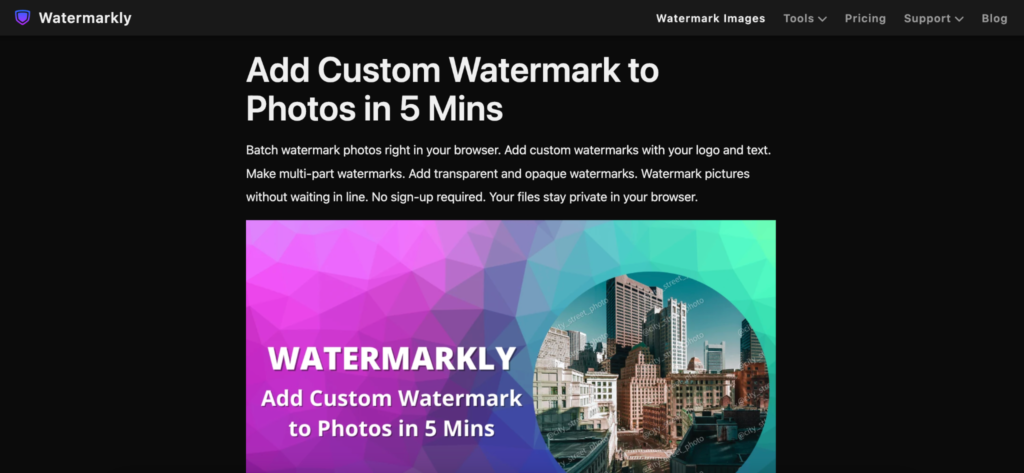
Watermarkly works well for creators because it focuses on something many protection tools underestimate.
Visibility.
A visible watermark alone will not stop determined piracy, though it dramatically reduces casual redistribution. Most people are far less likely to repost files publicly when the document clearly carries branding, ownership marks, or identifiable overlays.
That matters especially for:
- Educational PDFs
- Digital workbooks
- Downloadable guides
- Reports
- Templates
- Internal resources
The workflow stays intentionally simple. Upload the PDF, place the watermark, export the file.
The editor supports:
- Text watermarks
- Logo overlays
- Opacity controls
- Flexible positioning
- Font customization
- Rotation settings
- Repeating watermark layouts
One thing creators usually notice immediately is how fast branding becomes part of the workflow itself. Instead of watermarking feeling like extra technical work, it becomes another step before publishing the product.
Watermarkly also works smoothly across desktop and mobile devices, which helps creators manage launches remotely or update products while traveling.
The free version places Watermarkly branding on exported files, while the mobile app allows limited watermark-free exports after watching an ad.
3. Locklizard
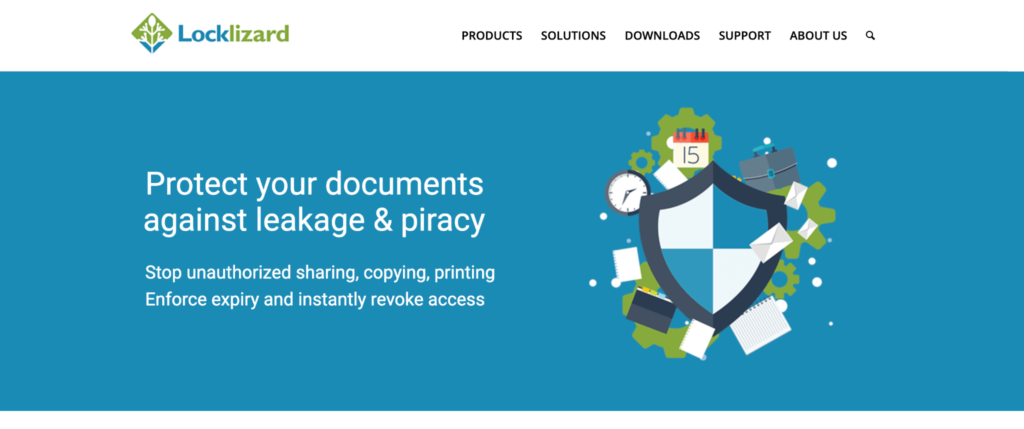
Locklizard focuses heavily on DRM-style PDF protection.
Compared to lightweight browser tools, it feels much more security-oriented from the beginning.
The platform includes things like:
- Device locking
- Print restrictions
- Copy prevention
- Access controls
- Dynamic watermarking
- Encrypted viewing
This type of protection makes more sense for organizations selling premium educational materials, confidential documents, or licensed intellectual property where redistribution risks carry a higher financial impact.
Locklizard also built a strong reputation around PDF-focused DRM, specifically, rather than broader cloud document management.
4. Gumroad
Gumroad is not technically a protection platform first. It is a selling platform.
Still, a huge number of digital creators rely on it because basic protection gets integrated directly into the delivery workflow instead of requiring separate systems afterward.
That convenience matters.
A lot of creators simply want:
- Secure delivery links
- Purchase tracking
- Limited download access
- Customer management
- Easy distribution
Gumroad handles those workflows without forcing creators into complicated DRM systems that might scare away legitimate buyers.
For smaller creators, especially, lightweight friction often works better than enterprise-level restrictions.
5. VeryPDF DRM Protector
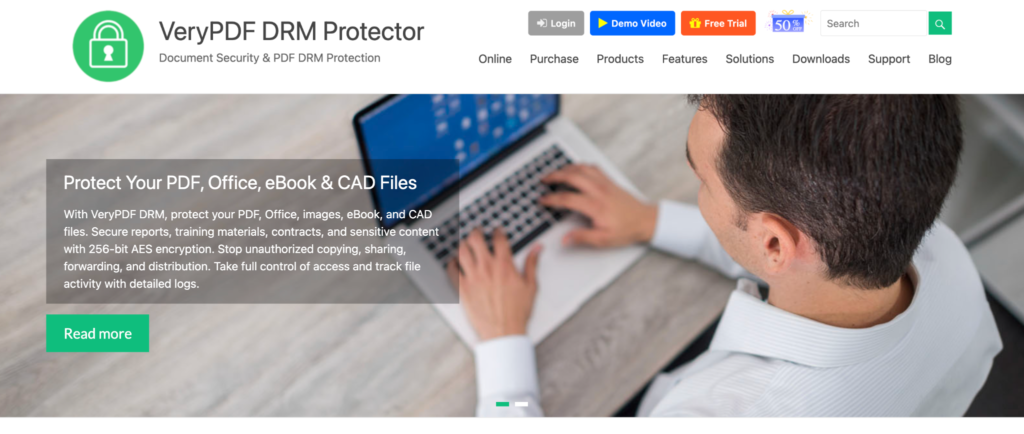
VeryPDF DRM Protector focuses heavily on secure PDF distribution and controlled access.
The platform combines several protection layers together:
- Encryption
- Dynamic watermarking
- Usage controls
- Revocable access
- Secure sharing
Compared to lightweight watermark tools, the software clearly targets users dealing with more sensitive content or larger-scale document distribution.
That usually includes:
- Corporate reports
- Educational libraries
- Licensed materials
- Confidential business files
The platform emphasizes stronger control after delivery instead of only protecting the file before distribution.
6. EditionGuard
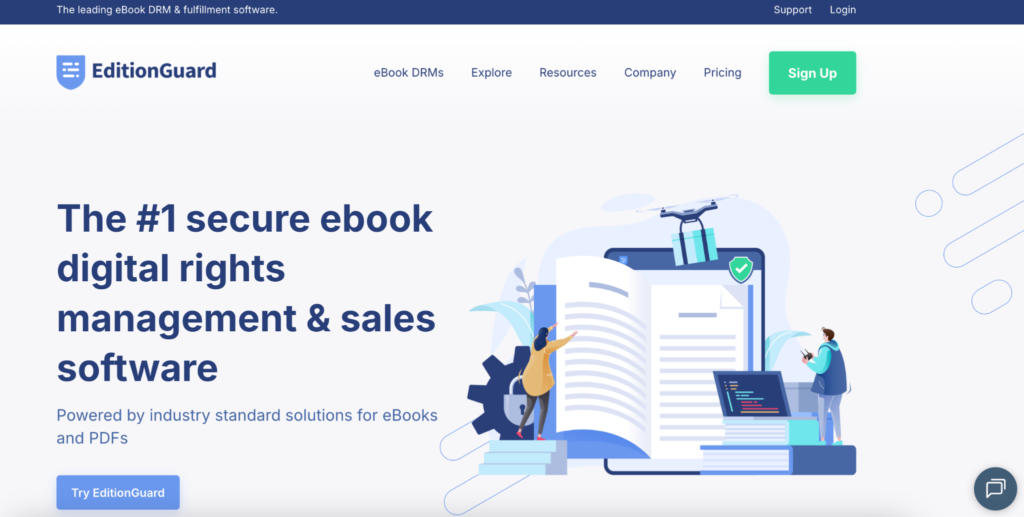
EditionGuard became especially popular among ebook creators and publishers.
The platform focuses heavily on ebook delivery combined with watermarking and DRM protection.
Its features include:
- Ebook DRM
- Social watermarking
- Secure distribution
- Buyer identification
- Controlled access
One reason publishers often prefer watermark-based protection is that it keeps the reading experience relatively smooth while still discouraging redistribution.
That balance matters more than many creators realize.
Overly restrictive protection systems sometimes create more customer complaints than actual piracy prevention.
Most piracy starts from legitimate buyers
This surprises many creators initially.
People imagine piracy happening through complicated hacking methods, though many leaks actually begin with legitimate purchases getting reshared casually afterward.
That is one reason watermarking became more important again recently.
Visible buyer information, branded overlays, and traceable files create psychological friction. Users become less comfortable reposting products publicly when the source can potentially be identified later.
Social DRM and watermarking work particularly well for:
- Ebooks
- Educational PDFs
- Premium reports
- Worksheets
- Downloadable guides
Not because they make piracy impossible.
Because they make redistribution less comfortable.
Protection works best when it stays invisible to legitimate customers
This is where many creators make mistakes. They focus so heavily on stopping piracy that the buying experience becomes frustrating for actual customers. Complicated logins. Aggressive restrictions. Limited device access. Broken downloads.
At some point, the protection itself starts hurting the product. The strongest setups usually protect files quietly in the background instead of constantly reminding buyers about restrictions.
That is why layered systems became more common recently:
- Watermarking for visibility
- DRM for access control
- Monitoring for detection
- Secure delivery for distribution management
Together, they create friction for piracy without making normal usage miserable.
Digital product protection became part of brand protection, too
Originally, most creators thought about piracy purely in terms of lost revenue. Now branding matters too.
Once digital products start circulating online, branding often becomes the only remaining connection to the original creator. Watermarks, logos, branded layouts, and identifiable overlays continue to carry visibility long after the files spread beyond the first purchase.
That is especially important for:
- Coaches
- Educators
- Designers
- Course creators
- Template sellers
- Agencies
A branded document still markets the creator even after redistribution happens.
No protection system is perfect, but layered protection works much better
No digital product protection tool can completely eliminate piracy. That reality is unlikely to change. What strong protection systems actually do is reduce casual sharing, improve traceability, discourage redistribution, and help creators maintain more control over how files spread online.
Some tools focus heavily on DRM and access control. Others work better for branding and lightweight protection. Watermarkly stands out because it makes document protection feel simple enough to become part of the normal publishing workflow instead of an extra technical burden afterward.
In 2026, the strongest approach is rarely one tool by itself. The creators protecting digital products most effectively are usually the ones combining branding, watermarking, controlled delivery, and smart access management together.